 PairVault
Press
PairVault press kit
Everything you need to write about PairVault: the facts, descriptions you can use as they are, screenshots and the app icon. Free to use in coverage of the app.
Press contact
Harrison Ratcliffe is the direct contact and can be reached on hello@letrixlabs.com. Complimentary redeem codes for unlimited access are available on request, and I'm happy to do interviews or podcast appearances.
At a glance
- App
- PairVault
- Developer
- Letrix Labs
- Released
- 30 September 2026
- Current version
- 1.1 - Released 7 October 2026
- Platform
- iPhone, iOS 17 or later
- Price
- Free for five setup codes. Unlimited is a one-time £5.99 / $5.99. No subscription.
- Languages
- English, Dutch, French, German, Italian, Portuguese (Brazil), Spanish
- App Store
- apps.apple.com/app/pairvault
- Website
- pairvault.app
Descriptions
Use any of these as written, or edit them to fit.
One line
PairVault is an iPhone app that keeps the setup codes for your HomeKit and Matter accessories, so you can pair them again without hunting for the sticker.
Short
Apple Home never shows an accessory's setup code again once it's paired, and doesn't share it with other apps. The only copy is the sticker, which is often behind a light switch or on a box that's been recycled. PairVault keeps a second copy. You scan or type each code once, and when you need to pair the accessory again, it shows the code as printed and rebuilds a scannable QR code. There are no accounts and no servers: codes stay on your iPhone and in your own iCloud.
Long
Every HomeKit and Matter accessory comes with a setup code, printed on a sticker. You need it to pair the device, and you need it again after a factory reset, a hub change or a house move. But Apple Home never shows a code again after pairing, and won't hand it to other apps. By the time you need it, the sticker is usually behind a fitting, on the ceiling or in the recycling.
PairVault fixes that by keeping a second copy. Scan each code from the accessory, its box or an old photo of the label, or type the digits in. PairVault stores the code exactly as printed, and when it's time to pair again, it rebuilds a QR code you can scan. It also imports your accessories, rooms and homes from Apple Home, tracks battery levels, and keeps receipts with each device.
There are no accounts and no servers. Codes stay on your iPhone and, if you turn on sync, in your own private iCloud, end-to-end encrypted with Advanced Data Protection. The first five codes are free, permanently; unlimited storage is a single one-time purchase.
Why PairVault exists
PairVault started with a house move. Every HomeKit and Matter accessory had to be set up again, and finding the codes was a complete pain. Some were on stickers behind fittings, some on boxes long since thrown away, and Apple Home couldn't show any of them.
There were already apps for storing setup codes, but they either didn't do enough or cost more than a simple tool should. So PairVault was built to do the job properly, with a fair one-time price.
Before launch, more than 400 people tested PairVault through a public TestFlight beta, and much of the 1.0 release came directly from their feedback. Version 1.0 arrived on the App Store on 30 September 2026, and 1.1 followed a week later with scanning from photos and receipts.
What it does
Scan once, keep forever
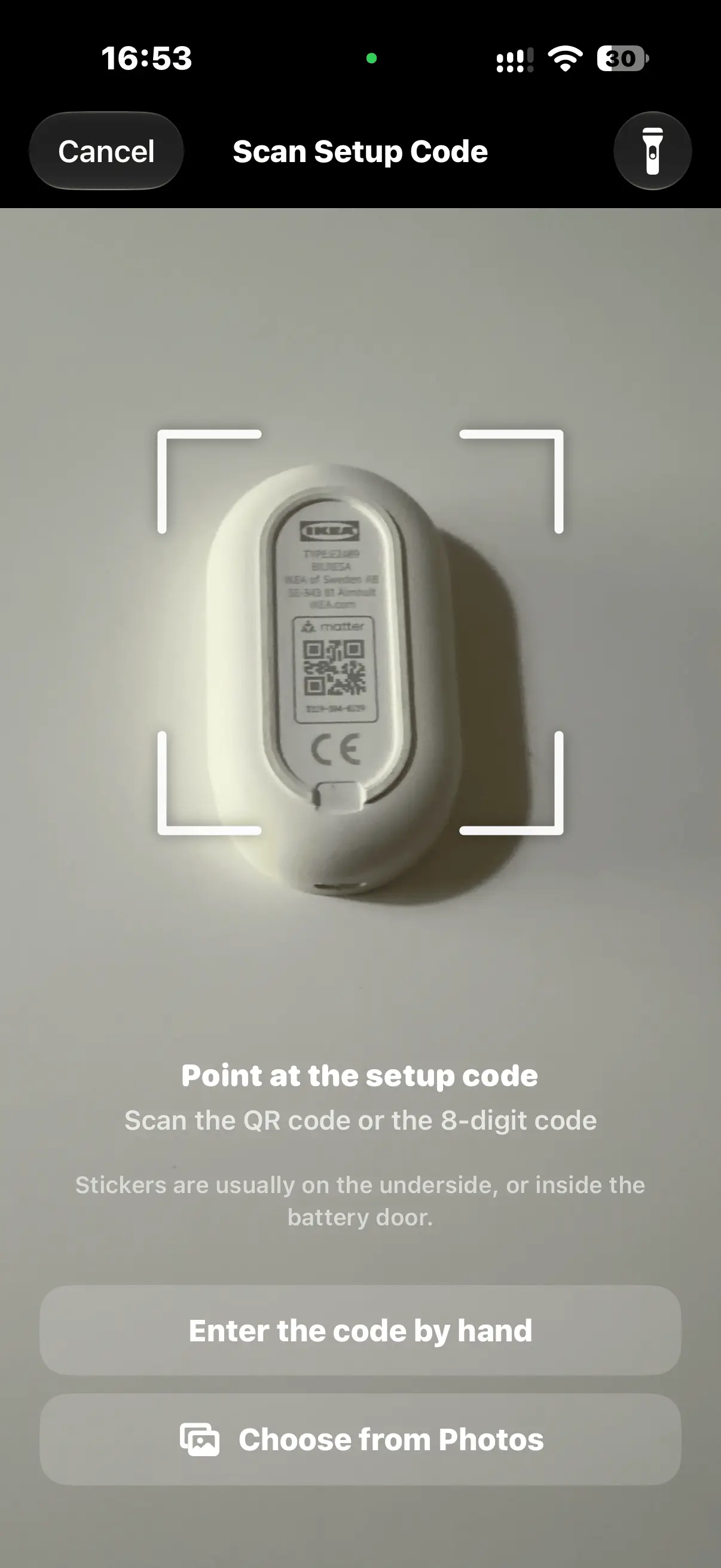
Save a HomeKit or Matter setup code by scanning the label, picking an old photo of it, or typing the digits.
Pair again from your phone
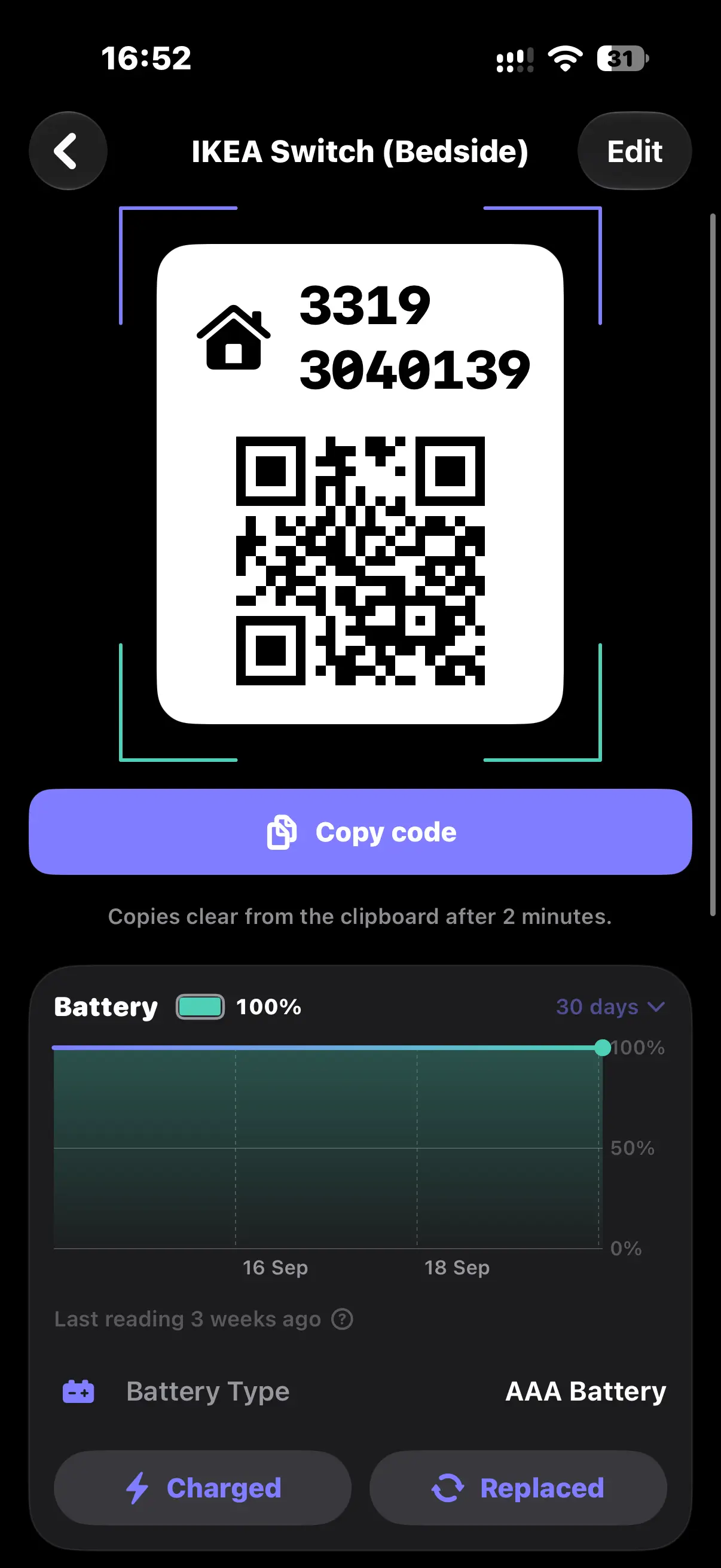
Every code is shown exactly as printed, with a scannable QR code rebuilt from it.
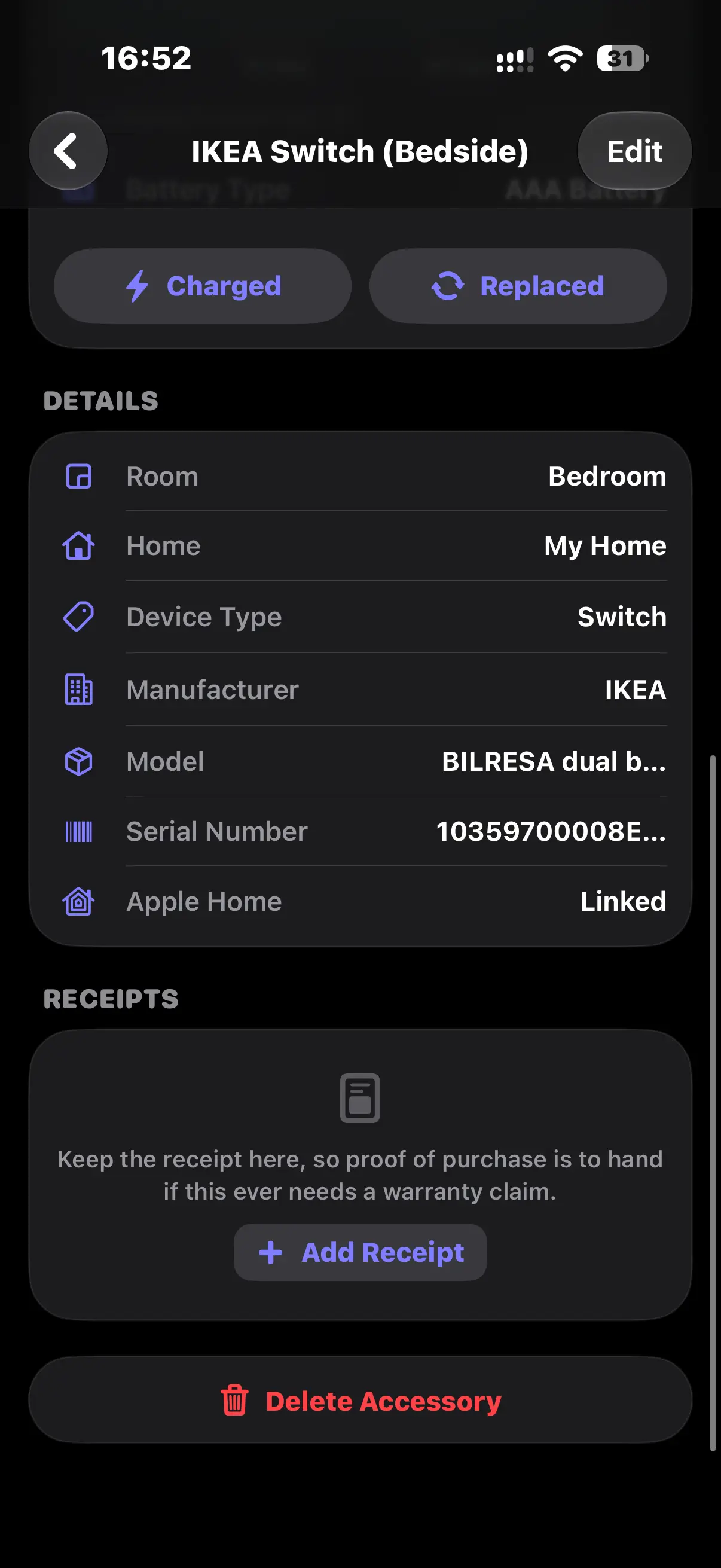
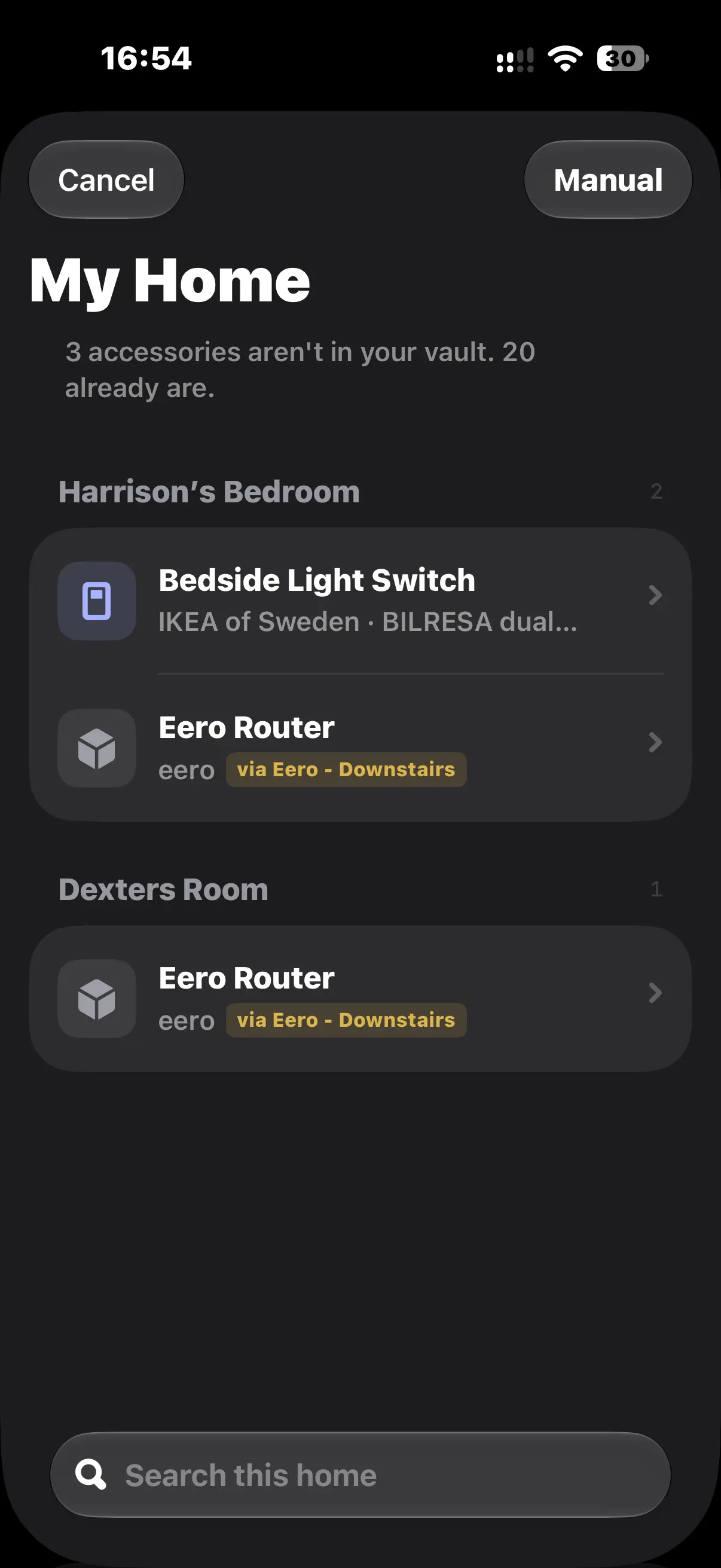
Import from Apple Home
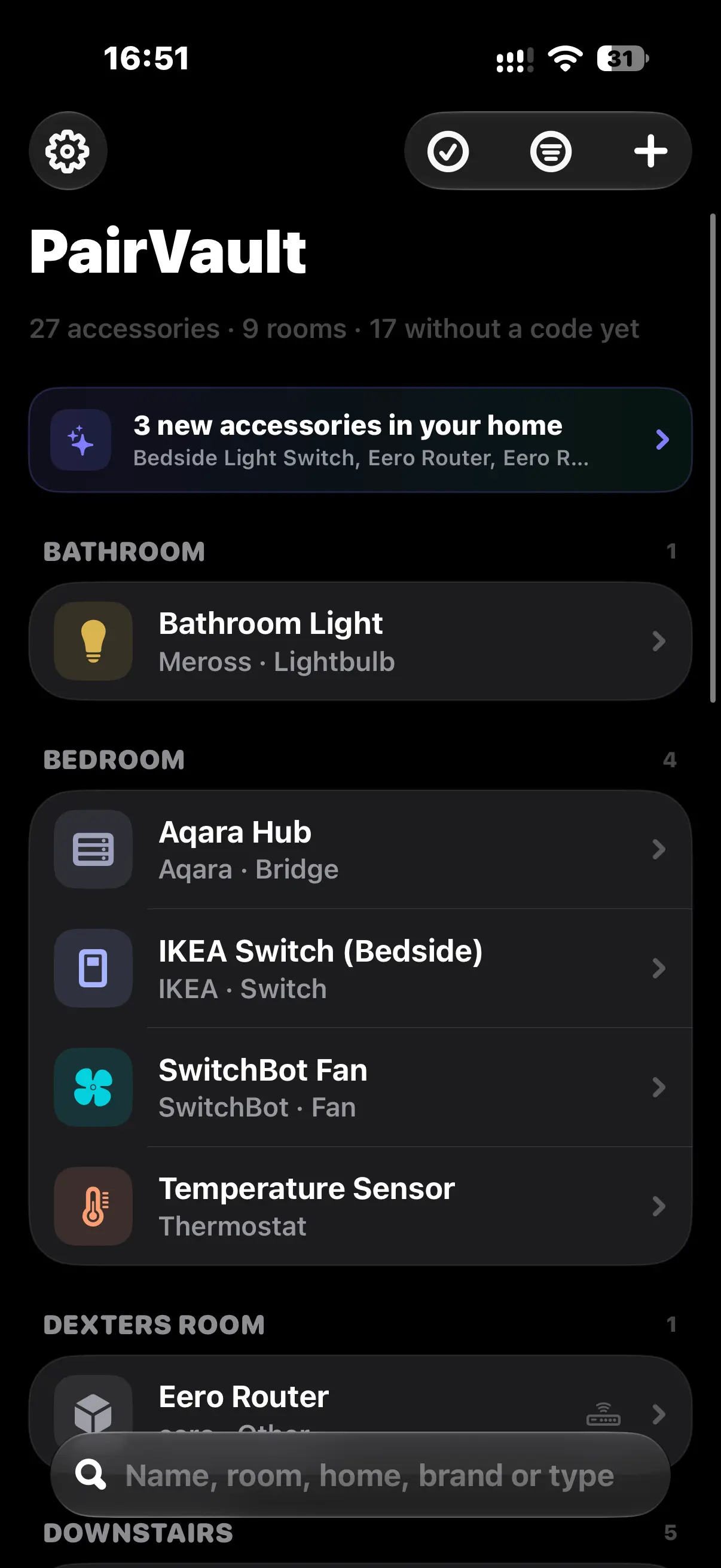
Accessory names, rooms and homes come straight in. Codes are added by hand, because Apple Home never shares them.
Battery levels
Battery history for imported accessories, with a warning when one runs low.
Receipts
Keep the receipt with each accessory for warranty claims: a photo, a scanned receipt or a PDF.
Export
PDF, CSV, Markdown or JSON. Setup codes are left out unless you choose to include them.
Privacy
- No accounts and no servers. Setup codes never reach us.
- Optional sync through the user's own private iCloud, end-to-end encrypted with Advanced Data Protection.
- Face ID, Touch ID or passcode lock. Copied codes clear from the clipboard after two minutes.
- Anonymous usage statistics are sent through TelemetryDeck. They contain nothing from the vault. Details are in the privacy policy.
Screenshots
Select a screenshot to download it at full size.
App icon
Please don't change the icon's colours or proportions, or add effects to it.